KTC MegPad 27 Review
The KTC MegPad 27 is one of the most unusual and flexible screens you can buy today. It sits somewhere between a television, a tablet, and a rolling smart display that can move anywhere in your home. After using the MegPad every day for gaming, streaming, filming, background displays, and productivity, it has proven to be one of the most practical devices I have added to my setup. It is not just a gadget. It fills real roles and solves problems that regular TVs, monitors, and tablets do not.
This review is based entirely on real world use, not promotional material. It explains how the MegPad is built, how it performs, what it is good at, what it struggles with, and whether it is worth the price. If you have ever wondered why anyone would want a large touchscreen TV on wheels, this review will show exactly where the KTC MegPad 27 fits into a home, office, or studio.
Design and Build Quality
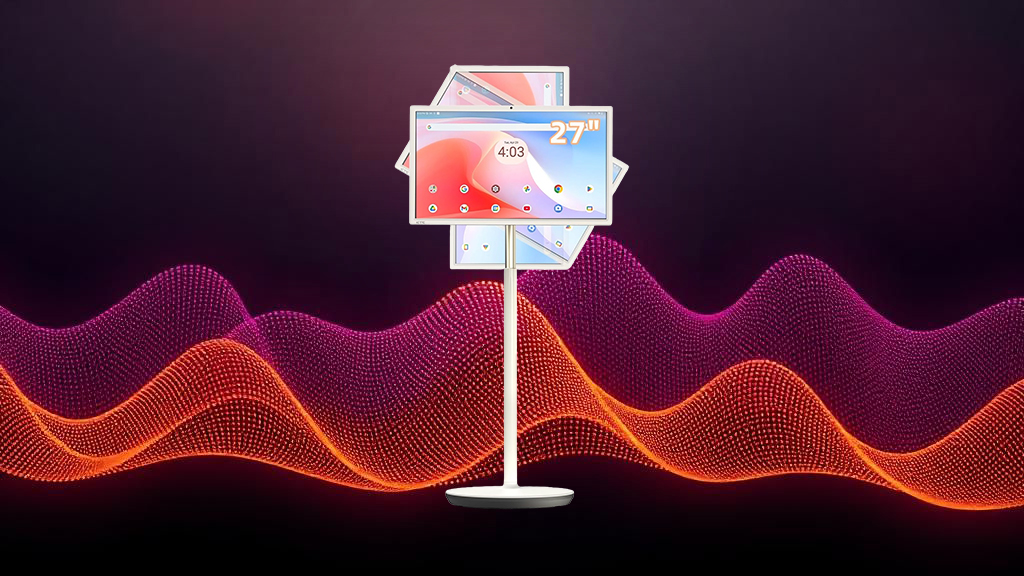
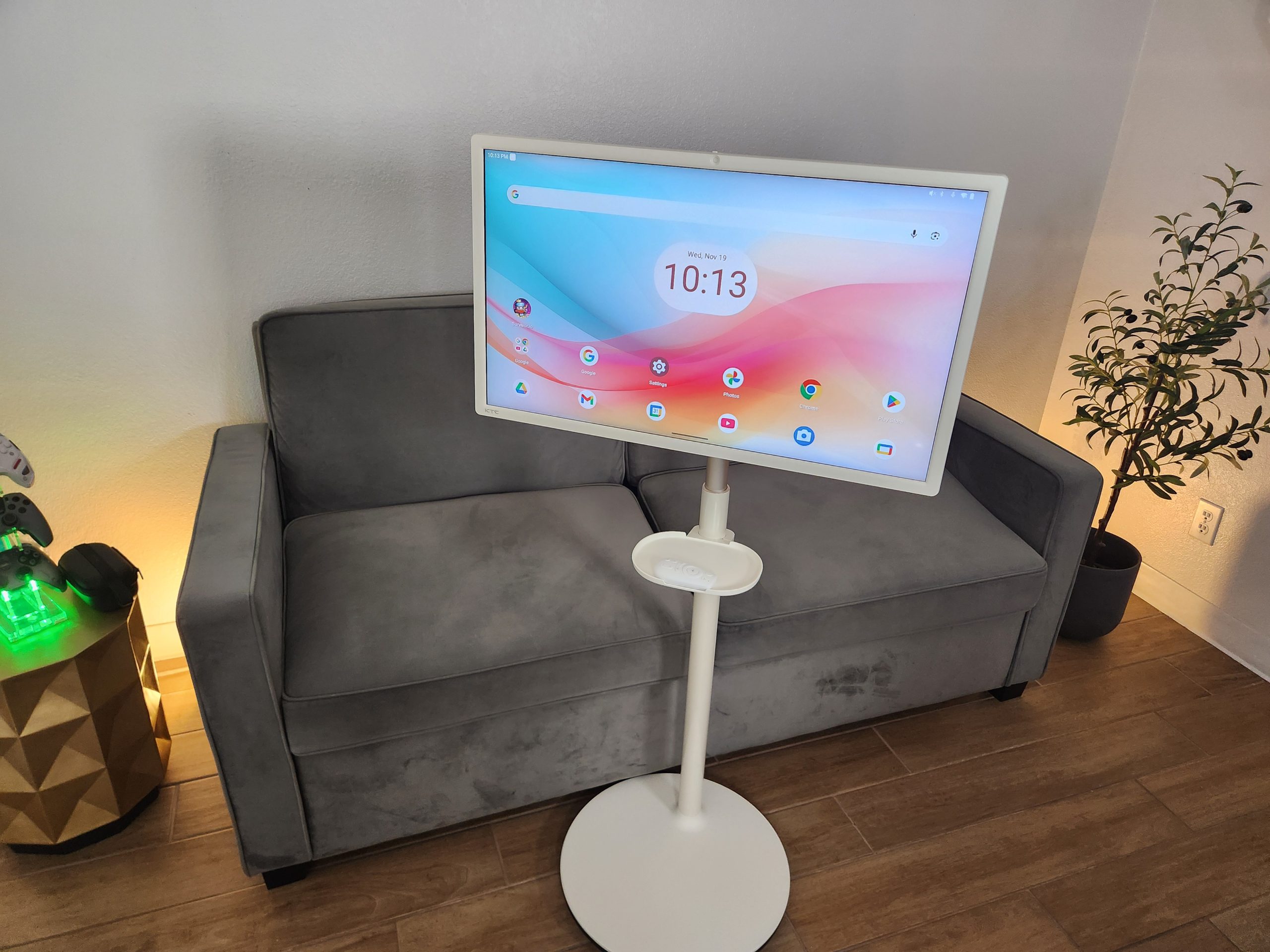
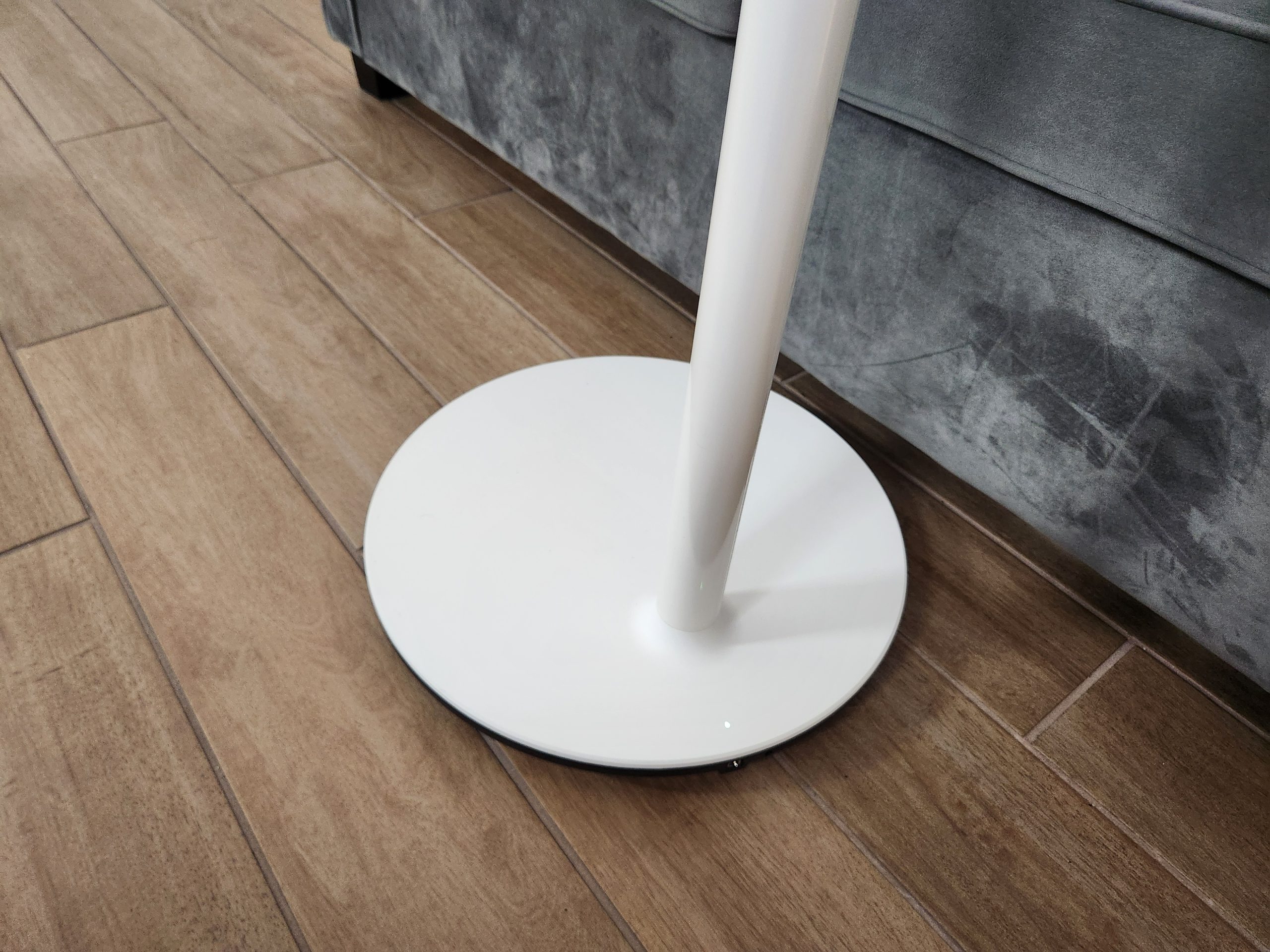
The KTC MegPad 27 immediately feels well built. The rolling stand is sturdy and moves smoothly thanks to its quiet casters. It does not wobble or rattle, and it feels more like a piece of furniture than a cheap portable TV. The screen can tilt, swivel, rotate, and raise, which makes it comfortable to use while sitting, standing, working, or filming. The hinge tension is balanced and never feels loose or unsafe.
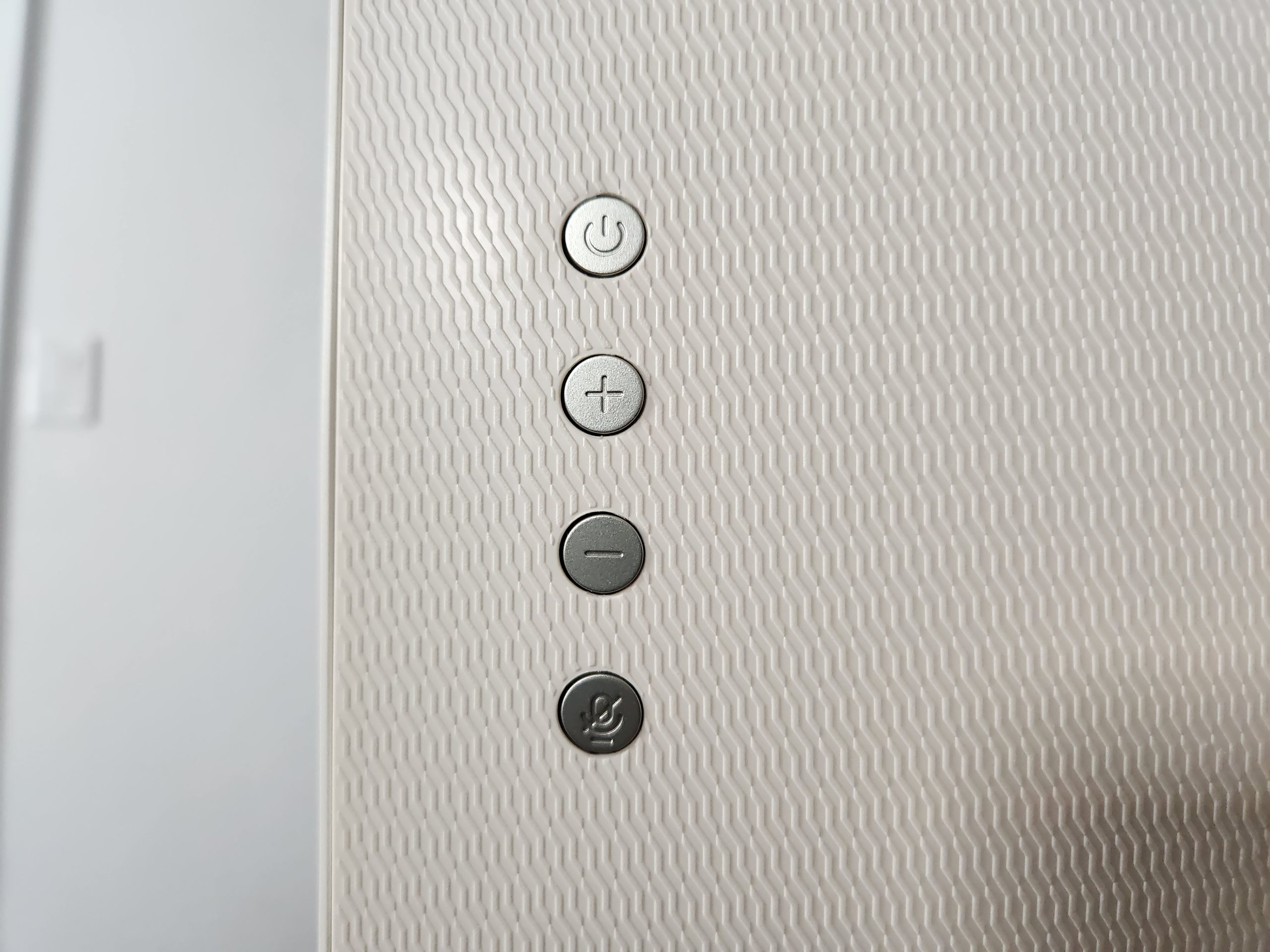
The screen itself looks like a giant tablet. It uses a matte panel that helps reduce reflections and stays visible under bright lights. This is especially helpful if you roll it between rooms or work in different lighting. The frame is clean and modern, not flashy or cheap looking. On the back, the MegPad includes four physical buttons along with a USB C port for wired video input. It also includes a physical privacy switch for the camera, which slides over the lens to block it completely. This makes it much more comfortable to use for video calls or meetings.
Nothing on the device feels fragile or rushed. The overall build quality matches the price and gives the KTC MegPad 27 a solid, professional presence.
Software and Everyday Interface
One of the strongest parts of the KTC MegPad 27 is that it runs Android 14 with full Google certification. When you first turn it on, the setup process feels exactly like setting up a phone or tablet. You sign in with your Google account, install apps from Google Play, adjust layout, and turn on Google Assistant. Everything is familiar.
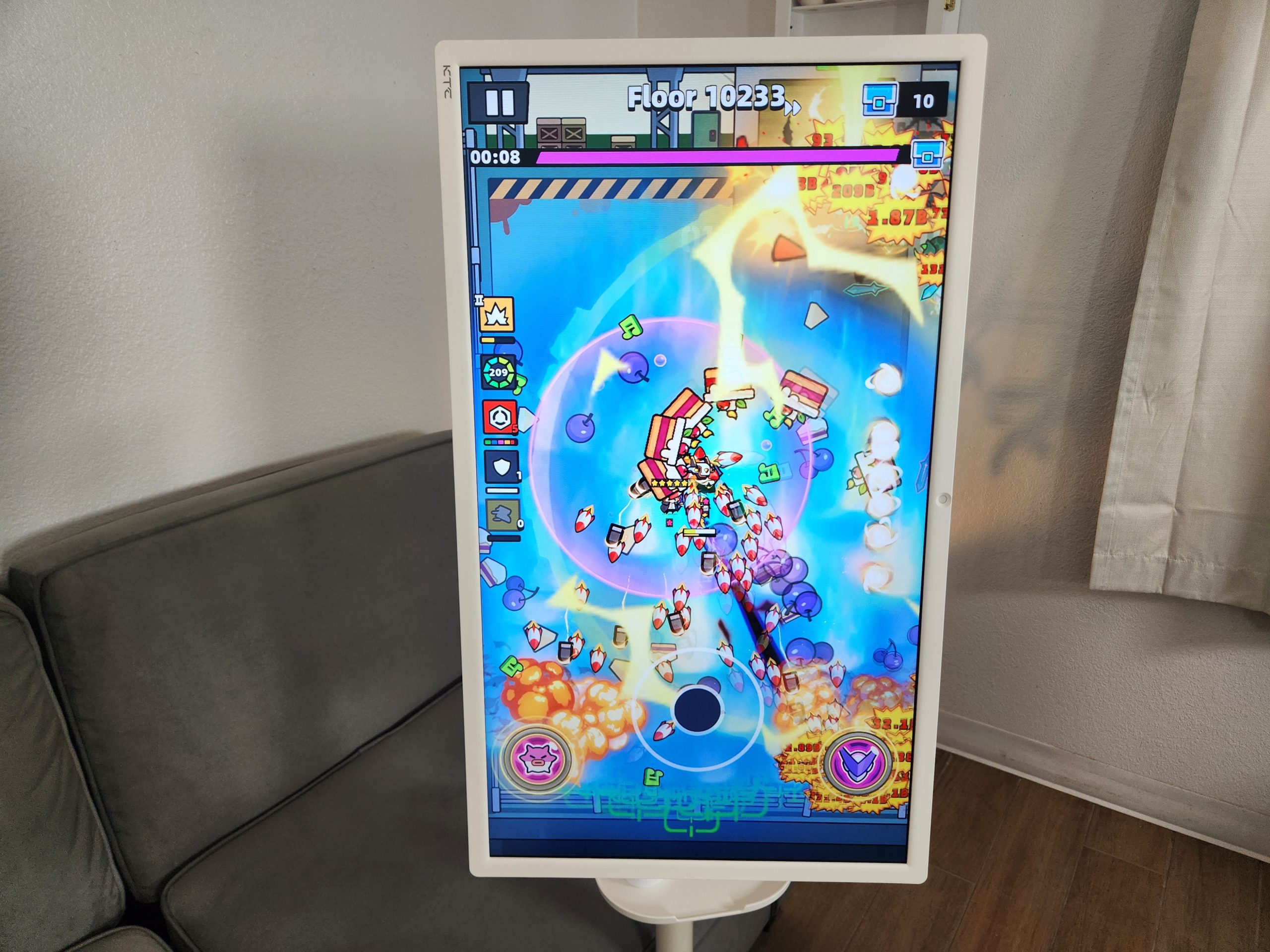
Because it runs a full Android operating system instead of a limited TV platform, the KTC MegPad 27 behaves like a giant, powerful tablet. You can open apps, browse the web, stream content, use productivity tools, join calls, and play games. You can also wake the screen instantly by tapping on it, which makes it feel responsive and ready to use at any moment.
Nothing about the interface is confusing. The MegPad is easy to learn, easy to navigate, and flexible enough to fill multiple roles in a home or office.
Display Quality
The KTC MegPad 27 uses a 1080p LCD panel with a 4000 to 1 contrast ratio. It is not a high end professional display, but it performs well for everyday use. Colors look natural, text is clear, and video content looks clean. The matte finish reduces reflections without washing out the image.
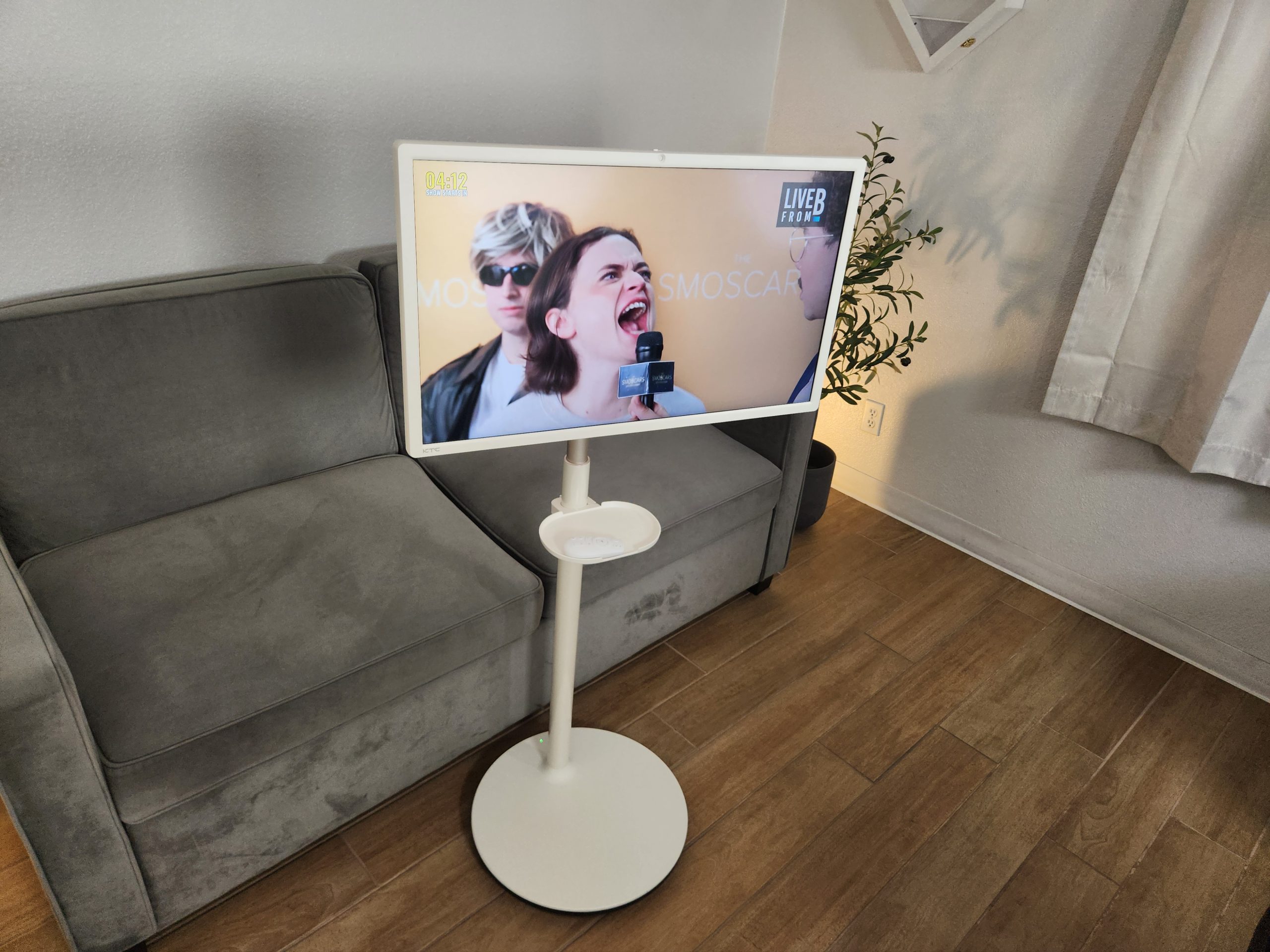
Brightness is the one area where the screen does not match a high end smartphone or a premium 4K monitor. It is a bit darker compared to a flagship phone, but for movies, streaming, apps, gaming, and presentations, it is more than adequate. The viewing angles are strong enough for multiple people to watch from different places in the room.
In daily use, I have never felt limited by the resolution or panel quality. It looks exactly how you expect a well tuned 1080p panel to look at this size.
Performance and Responsiveness
The KTC MegPad 27 is powered by the Qualcomm SM6115 processor with 8 GB of RAM and 128 GB of storage. On paper this is similar to a mid range Android tablet, but in practice the device performs extremely well. Apps open quickly, navigation feels smooth, and the touchscreen is responsive.
Streaming apps like YouTube and Netflix run flawlessly. Web browsing is quick. Cloud gaming works reliably. Local Android games run with no noticeable lag. The MegPad handles multitasking without slowdowns and does not overheat during extended use.
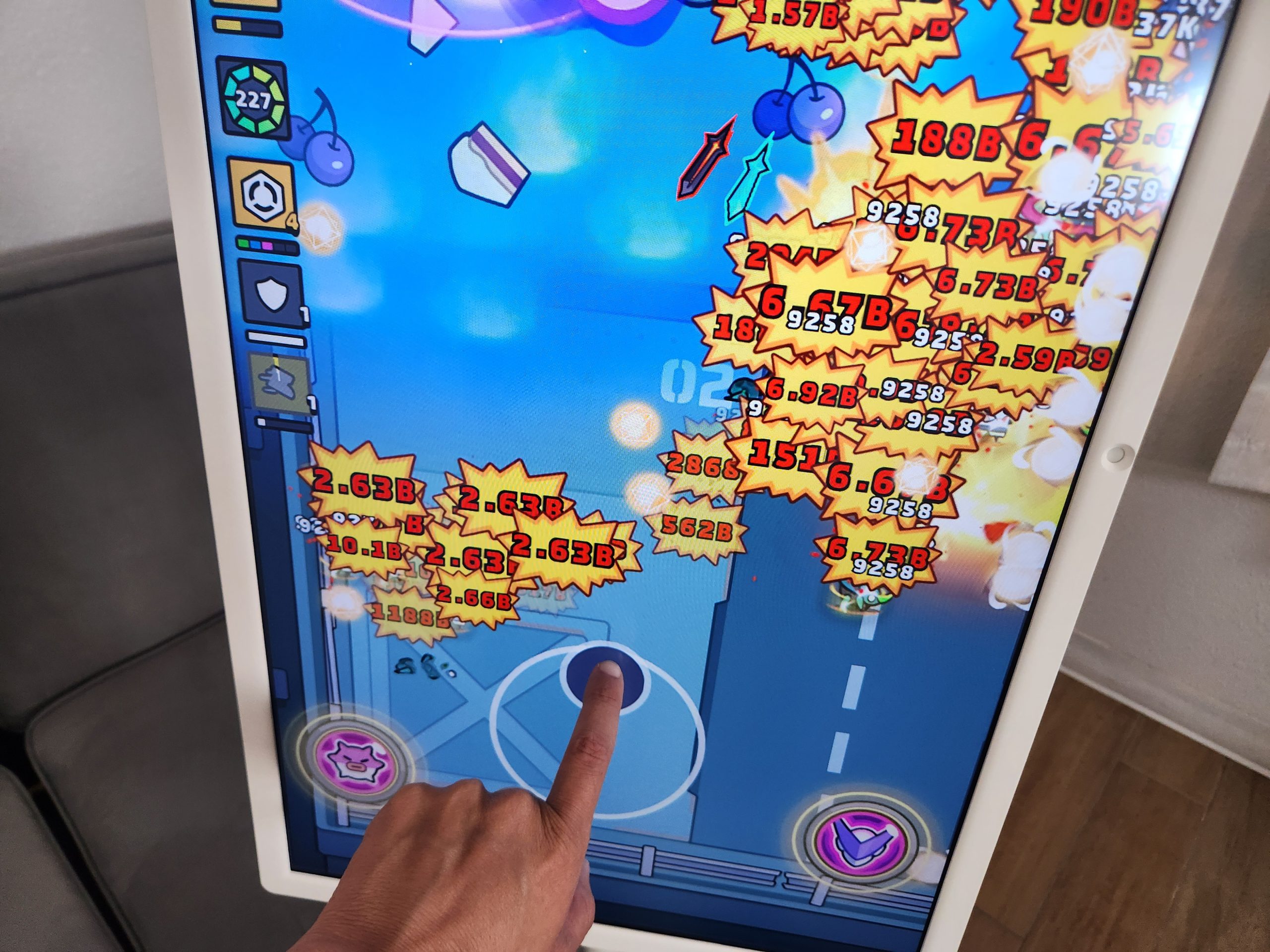
I play games on it regularly using a controller, and performance has always felt solid. Whether it is native Android games or screen streamed content, gameplay looks smooth and never stutters.
WiFi stability has also been excellent. I have not experienced drops, buffering problems, or Bluetooth interference. Everything connects quickly and stays connected.
Remote Control Experience
The remote included with the KTC MegPad 27 deserves its own mention because it does more than adjust volume and power. It includes a pointer mode that functions like an infrared mouse. You can move a cursor on screen and click on apps or buttons without touching the display. This makes the MegPad much easier to control from across the room.
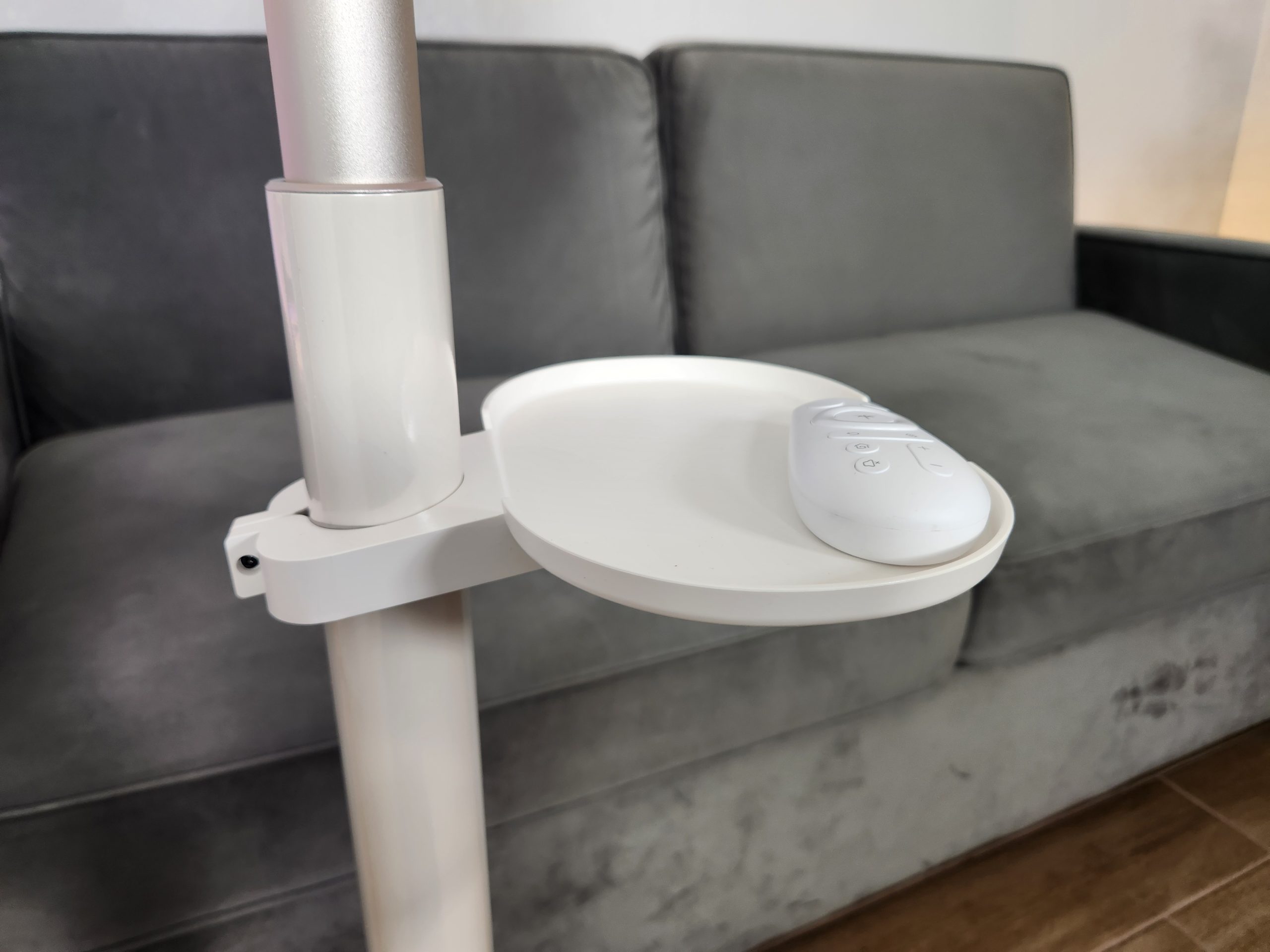
During long term use, I experienced one issue where the remote simply stopped working for a day. It randomly fixed itself and has not happened since, but it is worth mentioning for accuracy. Everything else about the remote has been convenient and helpful.
External Display and Connectivity
One of the biggest advantages of the KTC MegPad 27 is that it can act as a proper external monitor. By connecting a computer, game console, TV box, or smartphone to the USB C port, the MegPad becomes a wired display. The switch is instant and stable.
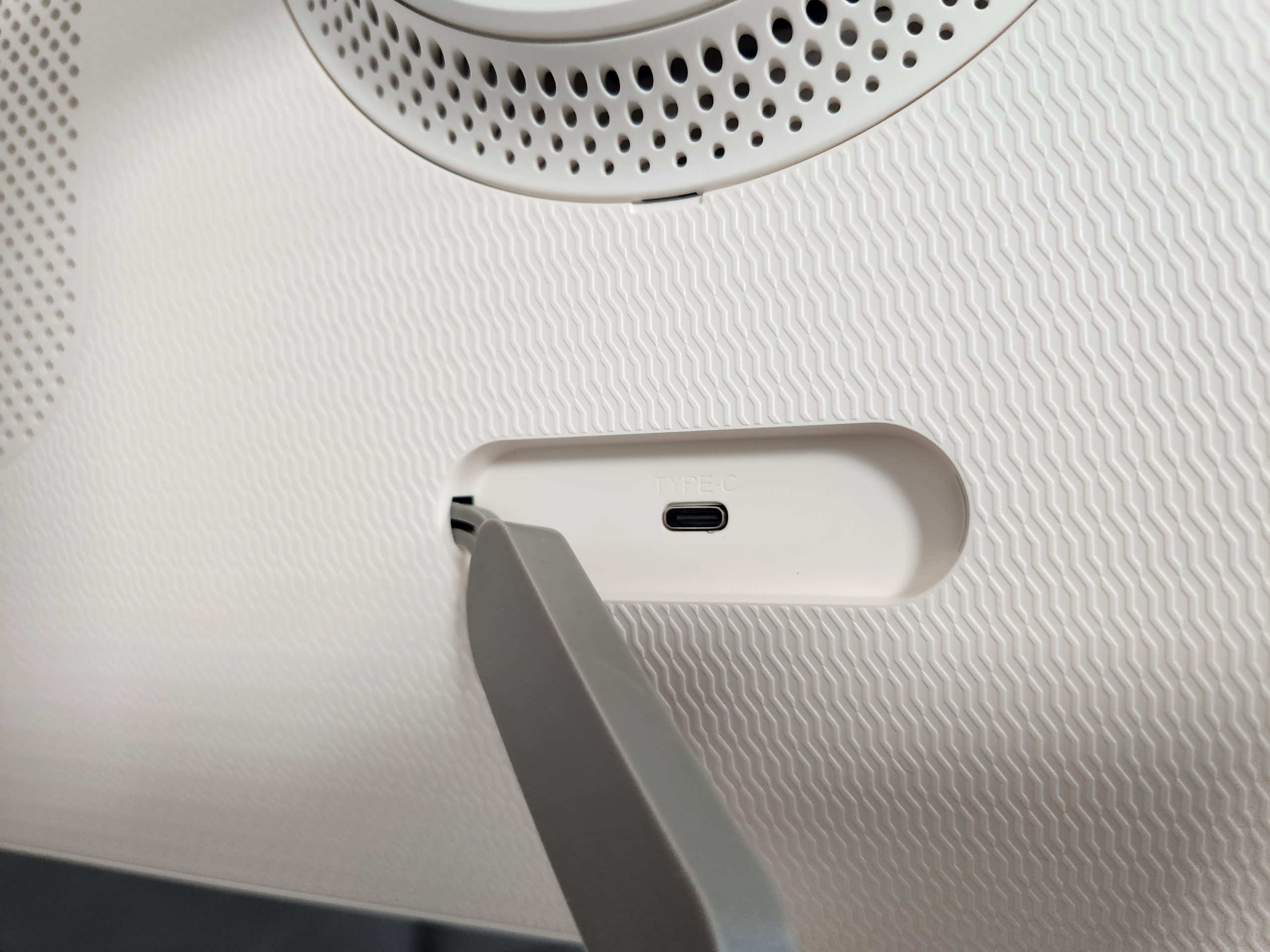
This makes the KTC MegPad 27 feel like two devices in one:
- A full Android 14 smart screen
- A portable external monitor
Being able to move it around the house while keeping full monitor capability is a massive advantage. It can become a temporary PC display, a presentation screen, or a gaming monitor depending on what you plug into it.
Real World Use Cases
The KTC MegPad 27 works in more places than you might expect. After months of daily use, these are the roles it fits naturally:
- Entertainment screen: You can roll it next to a couch or bed and watch shows without needing a wall mounted TV.
- Kitchen helper: It can sit near a counter to display recipes, timers, or cooking videos.
- Workout guide: The adjustable height makes it ideal for fitness apps and training videos.
- Large calendar: With apps like Google Calendar or Keep, it becomes a household planning board.
- Gaming setup: It works well with controllers, cloud gaming, or mirrored handheld gaming.
- Discord screen: Screen sharing or watching streams feels natural on a display this size.
- Productivity monitor: It handles video calls smoothly and the camera privacy slider adds peace of mind.
- Presentation tool: You can show charts, visuals, and documents while standing in front of clients or coworkers.
- Content creation backdrop: I use it as a background screen in videos to display text or visuals.
This adaptability is what makes the KTC MegPad 27 so unusual. It is not tied to one location or one use case. It becomes whatever you need it to be in the moment.
Battery Life and Portability
The MegPad includes a 9500 mAh battery that lasts several hours depending on workload. For streaming, browsing, and using it as a background screen, the battery life is comfortable. For heavy gaming or long meetings, it drains faster but still provides enough mobility to move around the house without staying tethered to a wall.
The rolling base is quiet and smooth. You can move it between rooms with one hand. This mobility is one of the strongest reasons to buy the KTC MegPad 27. It behaves like a smart companion screen that follows you instead of forcing you to sit in front of a fixed TV or monitor.
Pros and Cons
Pros
- Runs full Android 14 with Google certification
- Fast performance for apps, games, and streaming
- Acts as an external monitor through USB C
- Great for meetings, presentations, and productivity
- Matte screen reduces reflections
- Strong build quality with smooth movement
- Useful for filming and content creation
Cons
- The price is high for a 1080p screen
- The display is not as bright as high end monitors
- The remote stopped working once during testing
- Battery life varies depending on use
- Speakers are fine but not premium
- Not everyone needs a screen of this size
Final Verdict
The KTC MegPad 27 is one of the most flexible and interesting screens you can buy. It combines the freedom of a tablet, the size of a TV, and the practicality of a rolling display. It works for gaming, movies, meetings, productivity, cooking, workouts, filming, and even as a portable calendar or presentation tool.
It is not cheap and it is not designed for everyone. But if you want a smart screen that can move anywhere, wake instantly, run full Android apps, mirror devices, host calls, and act as a real monitor, the KTC MegPad 27 is a unique and capable option that delivers on everything it promises.
You can see the current price or learn more here:
KTC MegPad 27 on Amazon