How to Fix a Slow-Loading Windows Downloads Folder
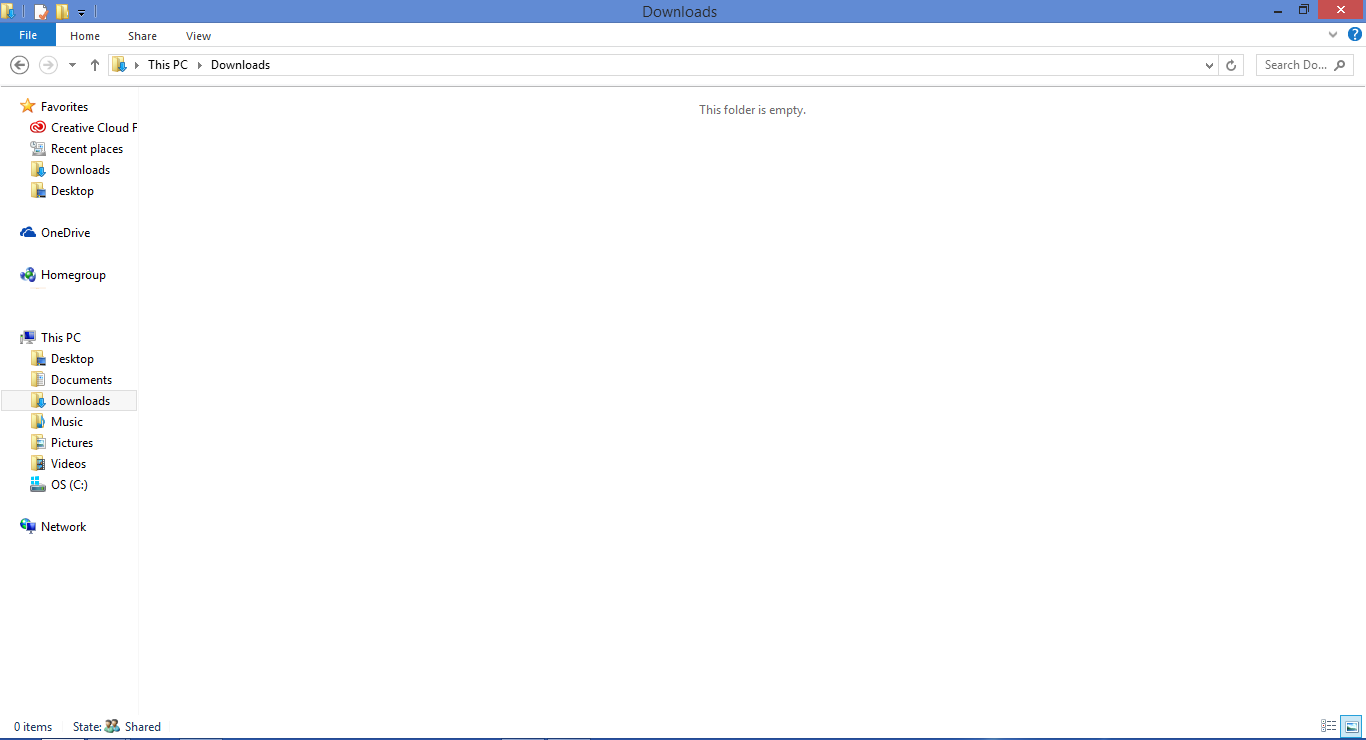
You might notice that your Windows Downloads folder loads a lot slower than other folders on your hard drive. Other folders in Windows File Explorer (also known as Windows Explorer) such as the Documents folder or Pictures folder usually do not take as long to load as the Downloads folder. A slow loading Downloads folder can be a frustrating issue for many people as they watch the status bar in the Explorer tab slowly load. The Downloads folder might even say “This folder is empty” before it eventually starts to show progress in the status bar.
A slow loading Downloads folder can occur straight from Windows Explorer or if you attempt to upload an item from the Downloads folder to the web. For example, downloading an image from the slow loading Downloads folder to your social media profile or website. Even uploading videos from the Downloads folder to YouTube can be a longer task than wanted.
The reason for this is because Microsoft Windows is trying to create thumbnails for photos and videos in the Downloads folder by default, even if none of the files in the folders are pictures or videos. However, a quick settings change can easily fix this issue and make your Downloads folder load faster than it did before.
1. Open Windows File Explorer. You can open Explorer by selecting the Windows Key + E or clicking on the explorer icon in your taskbar.

2. Right click inside the Downloads windows on a blank area or right click the Downloads folder icon on the right side of the window pane and select Properties.
3. Go to the Customize tab.

4. Select “General items” from the “Optimize this folder for:” list and click OK.
There are other ways to fix a slow loading Downloads folder. If you have any other solutions to suggest or add to this publication please share them in comments section below.