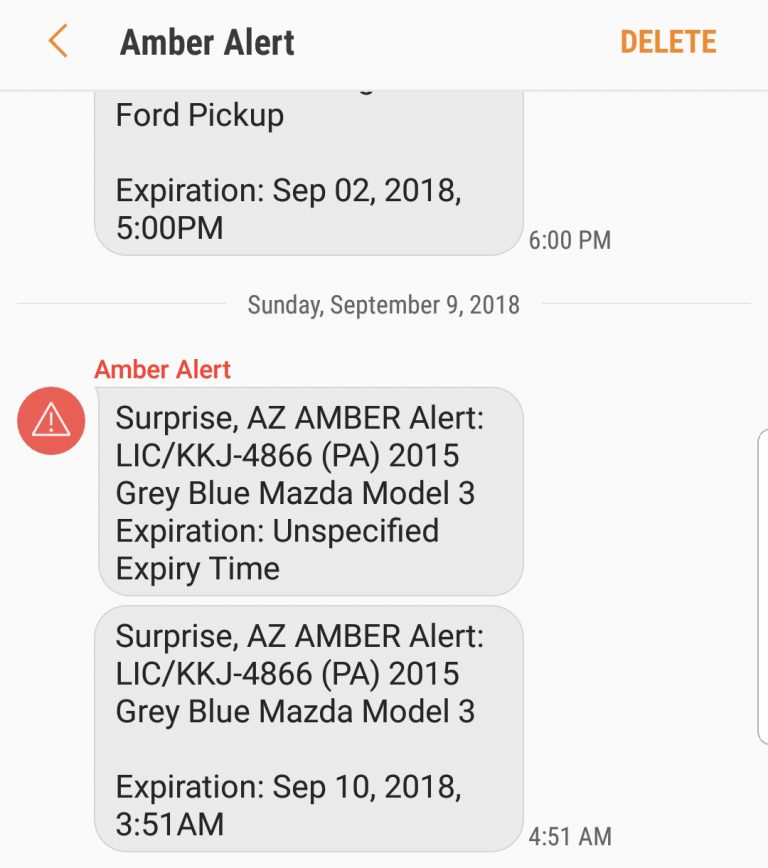
Severe Alerts
How to turn off Severe Alert notifications including weather alerts, flash floor warnings, and dust storm warnings on an Android device.
Severe Alerts are Emergency Alert notifications on your device that warn you about severe weather conditions whenever an alert is necessary. They warn you about weather conditions such as flash floods and dust storms.

However, some people might want to turn off Severe Alerts on their Android devices. For example, someone might have more than 1 Android device and the Severe Alerts might be overwhelming at times.
Turn Severe Alert off or on
1. Go to Messages (In newer Android devices you can swipe down to pull up the App screen. On later devices you can go to Apps.).
2. Tap the 3 dots icon in the top right.

3. Tap Settings and go to Emergency alert settings.
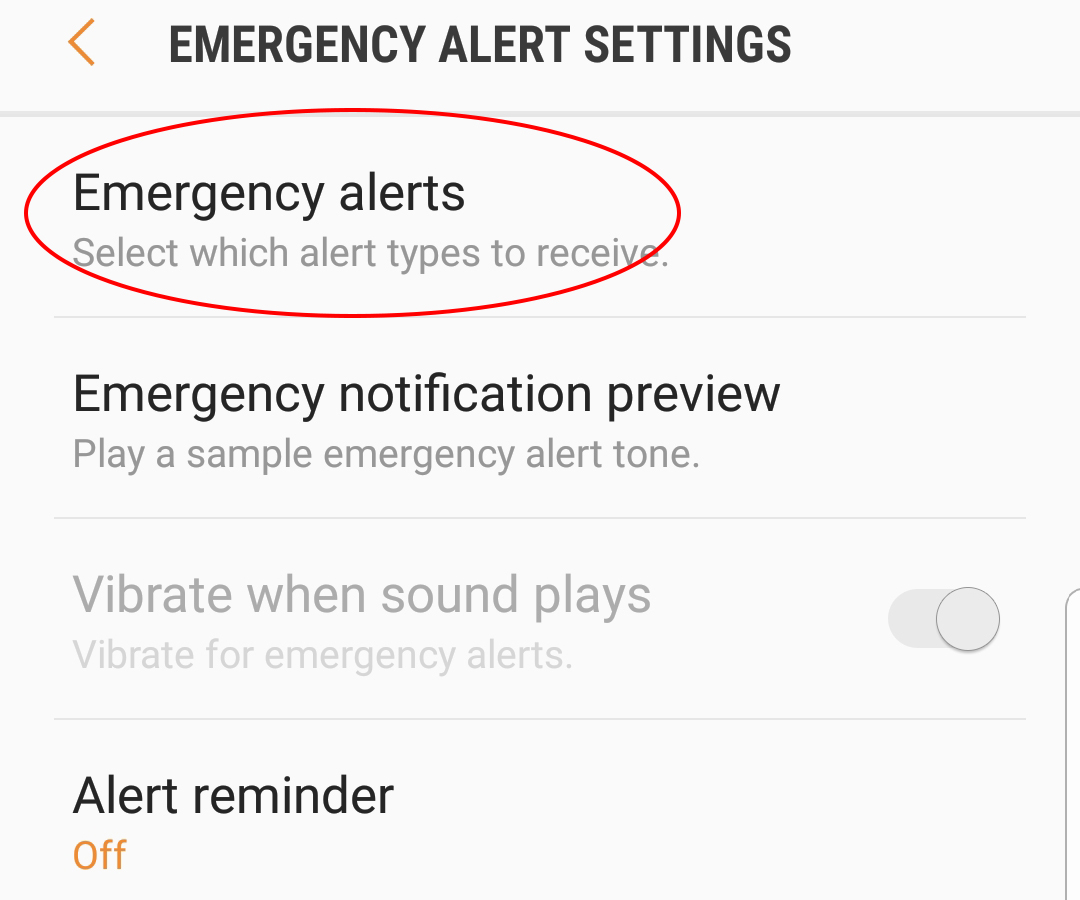
4. Tap Emergency alerts to enter the EMERGENCY ALERTS menu.

5. Clear the check box or boxes for the Emergency Alerts you want to turn off. For example, to turn off Severe alerts move the slide to the left.
To turn Severe Alerts back on use the same instructions.