
No Split View: Remove from Right Click
No Split View: Remove from Right Click is a lightweight Chrome extension that removes the “Open link in split view” option from the right click menu on webpages. If you keep hitting Split View by accident because of muscle memory, this fixes it.
No Split View: Remove from Right Click is a lightweight Chrome extension that removes the “Open link in split view” option from the right click menu on webpages. If you keep hitting Split View by accident because of muscle memory, this fixes it.

This exists for one reason: the right click menu is muscle memory. When Chrome adds a new option in the middle of the most common workflow, it turns into a daily annoyance. This extension takes that option out of the way so your normal “open in new tab” flow stays clean.
What it does
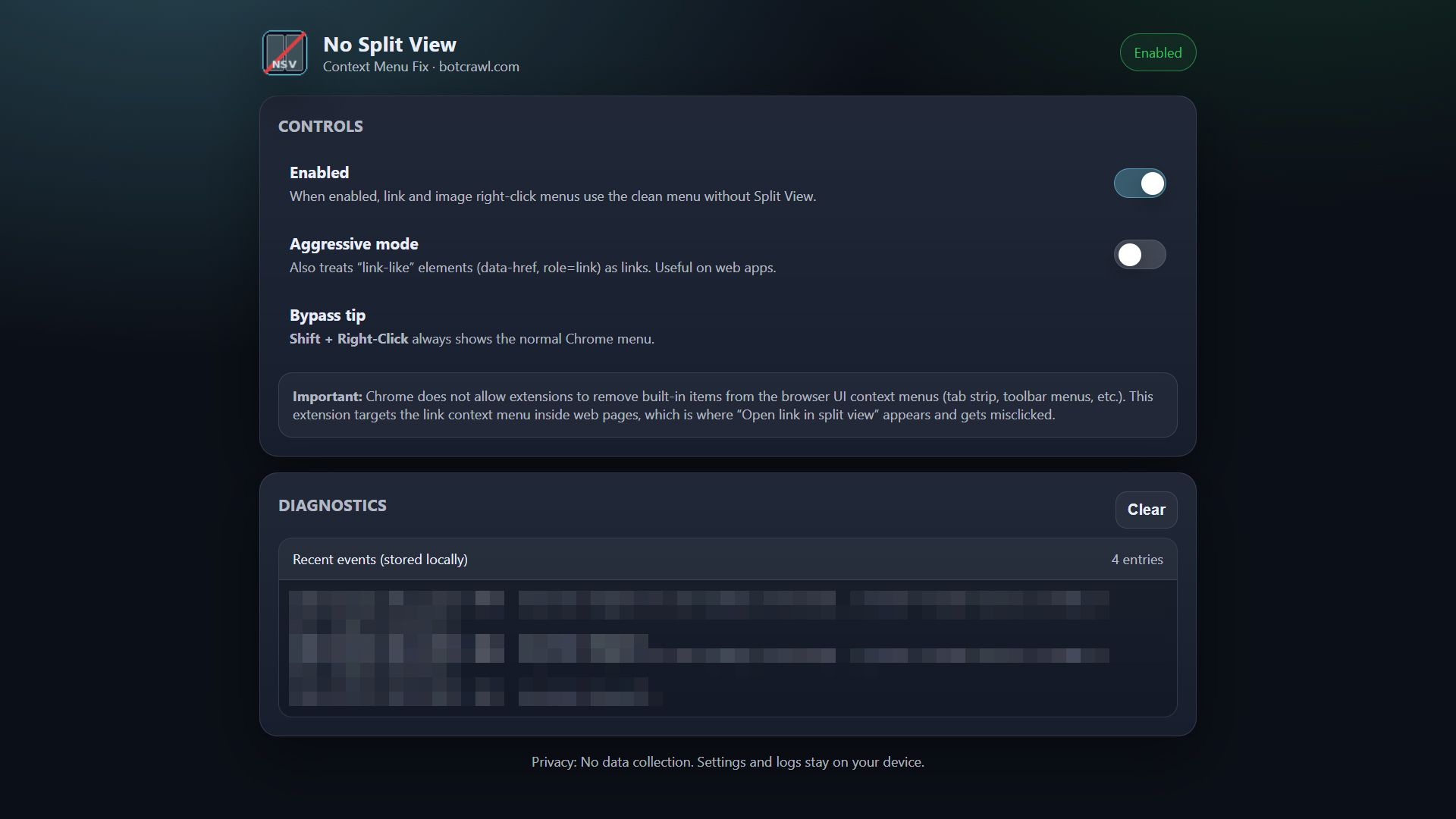
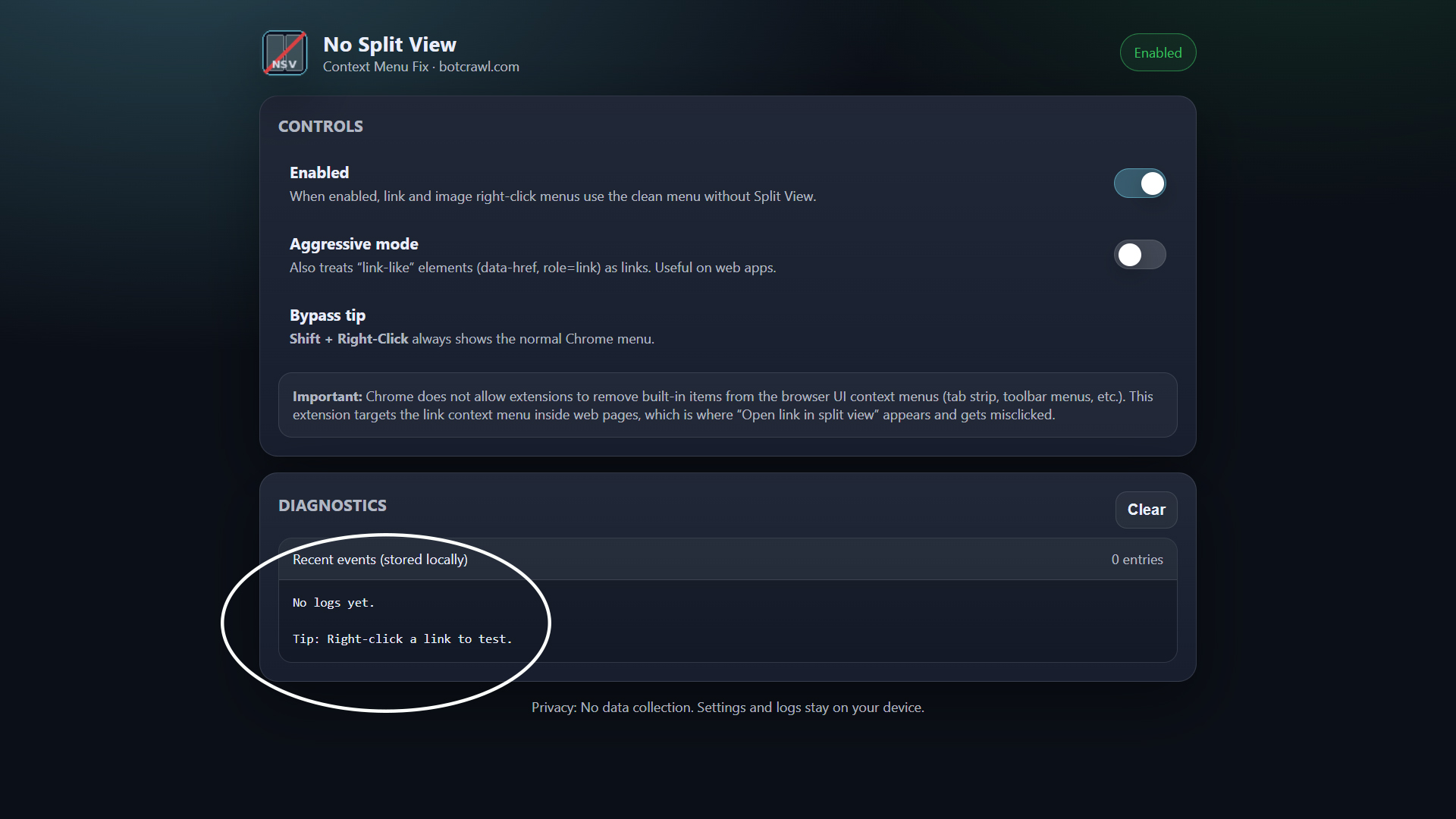
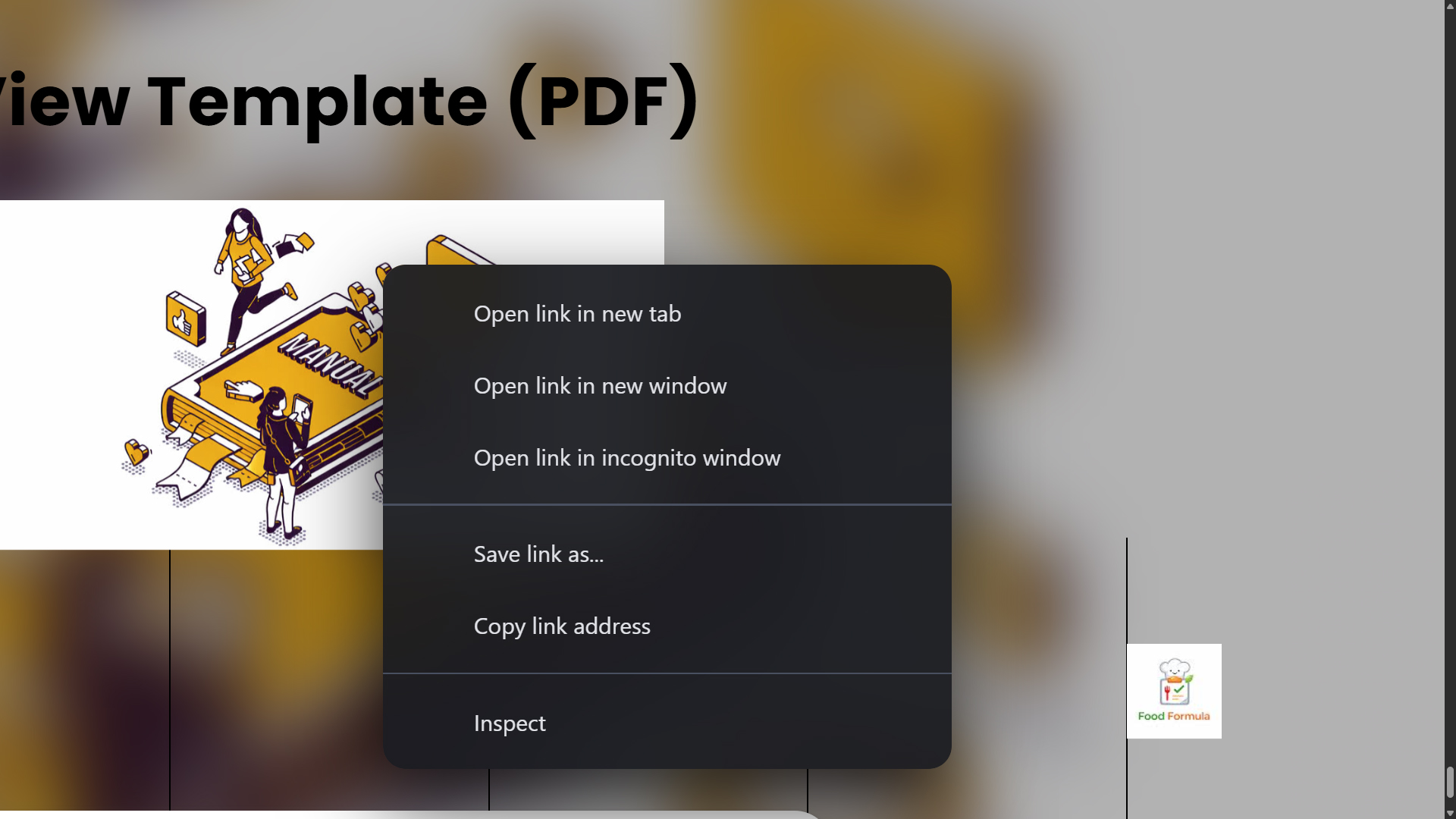
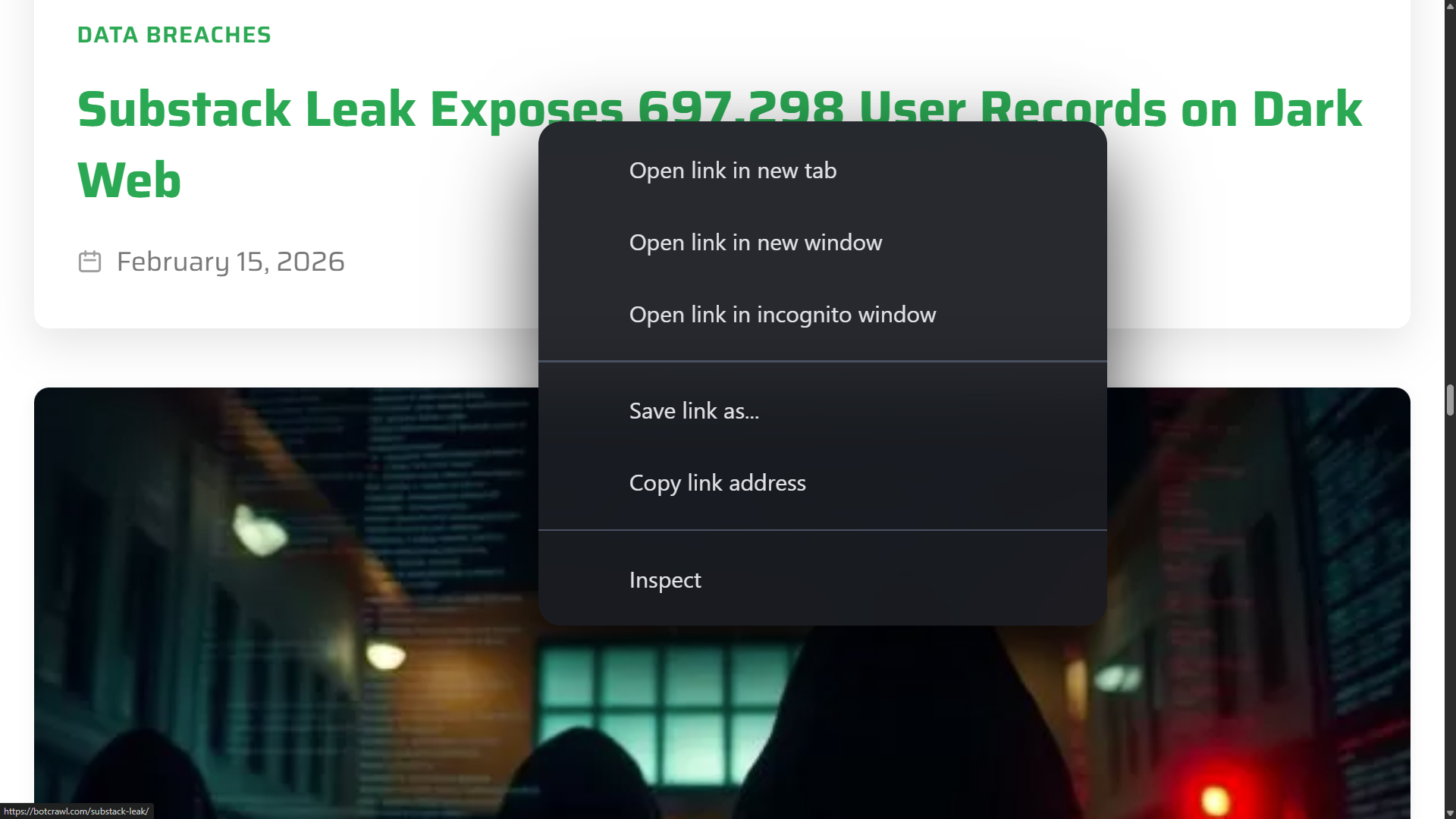
- Removes “Open link in split view” from the right click menu on webpages
- Also removes “Open link in left view” and “Open link in right view” when those appear
- Keeps a Chrome-style right click menu that looks and feels native
- Preserves the normal link actions people actually use
- Shift + right click always opens the native Chrome menu
What the menu includes
When you right click a link, you still get the normal stuff you expect:

- Open link in new tab
- Open link in new window
- Open link in incognito window
- Save link as…
- Copy link address
- Inspect
When you right click an image (or a linked image), you still get normal image actions such as:
- Create QR Code for this image
- Open image in new tab
- Save image as…
- Copy image
- Copy image address
- Search this image with Google Lens
- Inspect
Why Split View is annoying
Split View is not a terrible feature. The problem is where it lives. If you right click links constantly, you already have years of muscle memory. A new menu item in the same spot as your normal workflow means you will misclick it. Not once. Over and over.
And when it opens by accident, you now have to undo it, close it, or separate views. That is wasted time for something you did not want in the first place.
How it works
The extension replaces the right click menu on webpages with a Chrome-style menu and removes Split View entries from the link flow. It is designed to be lightweight and not interfere with normal browsing.
It also includes a safe fallback:
- Shift + right click opens the native Chrome menu at any time, including other extensions menu items.
Incognito note
If you want “Open link in incognito window” to work, you need to enable Allow in Incognito for the extension:
- Go to chrome://extensions
- Find No Split View: Remove from Right Click
- Enable Allow in Incognito
Compatibility and limitations
- Works on normal webpages.
- Chrome does not allow extensions to modify Chrome UI menus like the bookmark bar menu.
- Chrome restricts extensions from running on many internal pages such as chrome:// pages.
Privacy
This extension does not collect personal data and does not transmit browsing history, page content, or identifiers to botcrawl.com or third parties. Settings are stored using Chrome storage. An optional local diagnostic log can be enabled for troubleshooting and is only visible inside the Options page.
Read the full extension privacy policy here: No Split View Privacy Policy.
Download
Local: https://botcrawl.com/wp-content/uploads/2026/02/no-split-view-remove-from-right-click-v1.0.0.zip
FAQ
Does this remove Split View everywhere in Chrome?
No. It removes Split View entries from the right click menu on webpages. Chrome UI menus like the bookmark bar are controlled by Chrome and cannot be modified by extensions.
Why does Shift + right click exist?
Because the native menu still matters for built-in Chrome actions and other extensions. Shift + right click gives you instant access to the real native menu anytime.
Does it track me?
No. There is no tracking, no analytics, and no data selling.

