

Mac Right Click
 By default you have to use two fingers to right click on a Mac computer. This can be time consuming and annoying for many Mac computer users, especially new Mac users and those in a business setting. Using two fingers on each side of the touch pad to essentially right click can take longer than using 1 finger, which results in a loss of productivity. It’s also much easier to mess up when trying to right click on a Mac computer, which may cause Mac OS X users to accidentally click the wrong hyperlink or item, and can make correcting typos a daunting task.
Fortunately there is an option on Mac OS X that allows users to change Mac right click to be like Windows. This option allows you to change the right click on Mac OS X from two finders to just one. You will be able to use Mac right click with one finger by following the easy instructions below.
How to change Mac Right Click to 1 finger
 In order to change the current settings on your Mac computer (Mac OS X) away from the settings that enables users to use two fingers on each side of the trackpad, touchpad, and mouse to the settings that allows users to simply use one finger on the right side of the trackpad, touchpad, or mouse, please follow the easy step-by-step instructions below:
1. Enter your System Preferences. You can enter Mac System Preferences by clicking the Apple icon on the top right of the top menu bar and selecting System Preferences from the drop-down menu.

2. In System Preferences click Trackpad.

3. In the Point & Click section select the drop-down options for Secondary Click. Change the option from Click with two fingers to Click in bottom right of corner. You will now be able to use the Mac right click with one finger on the right corner of the trackpad or mouse.

Related Posts
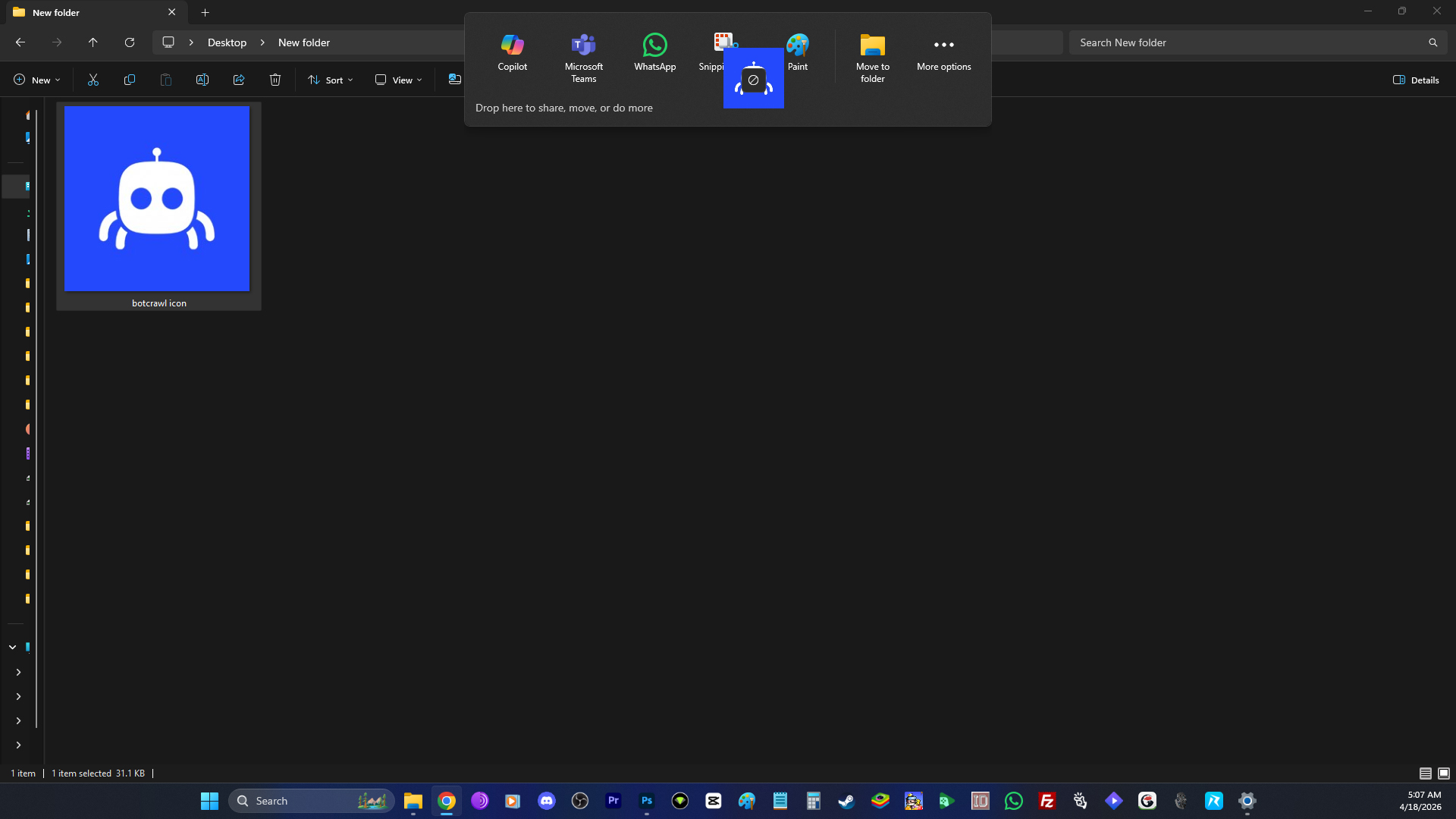
How to Remove the “Drop Here to Share, Move, or Do More” Popup in Windows 11
The “drop here to share, move, or do more” popup in Windows 11 is one of those features that sounds fine until it actually…
Read article
Microsoft Confirms Windows 11 Shutdown Bug After January Update
Microsoft has confirmed a Windows 11 shutdown bug that prevented some systems from shutting down or entering hibernation after installing the January 2026 security…
Read article
Manus AI Is the First Agent That Can Read Your Files Through Windows’ New Agent Connector
The productivity agent Manus AI has quietly become a milestone for the Windows ecosystem. It is the first publicly promoted agent that can read…
Read article